
GUIDES · ABOUT 5–15 MIN. PER APP
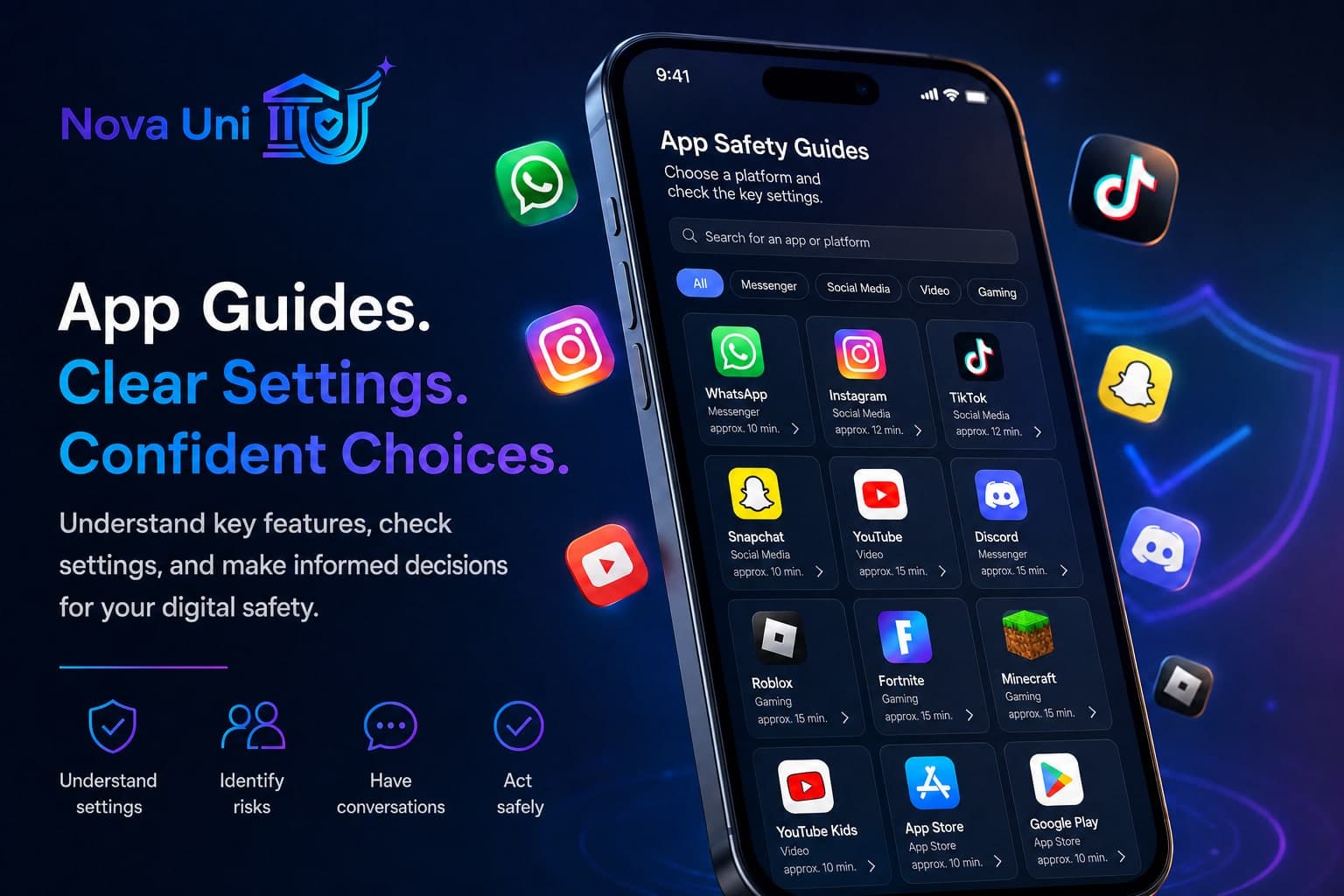
App Safety Guides
Privacy, messaging, contacts, purchases, and family features — explained step by step for the most important apps.
Outcome: Specific settings, discussion points, and next steps for the selected platform.
Apps often change their features and security settings.
In these guides, you'll learn what settings families should check, how to limit contacts, where to find blocking and reporting options, and what topics parents should discuss with their children.
These guides do not replace complete control over a platform. They help you review the most important settings and establish clear rules together.
Search
Filters
Categories
All Platforms
Messaging · about 12 minutes
The most used messenger in many families — sharing profiles, groups, calls, and locations should be set up and discussed thoughtfully.
- Family Features
- None
- Last reviewed
- 2026-07-14
Social Media · about 14 minutes
Photos, Reels, and DMs are a big part of many teens' lives — privacy, teen accounts, and message filters are the key things to consider.
- Family Features
- Limited
- Last reviewed
- 2026-07-14
TikTok
CurrentSocial Media · about 12 minutes
Short videos, trends, and the 'For You' feed — Family Pairing and Restricted Mode help families set boundaries.
- Family Features
- Available
- Last reviewed
- 2026-07-14
Snapchat
UpdatingSocial Media · about 13 minutes
Snaps and Stories disappear quickly — Snap Map, Ghost Mode, and Family Center are the key family topics.
- Family Features
- Limited
- Last reviewed
- 2026-06-01
YouTube
CurrentVideo · about 11 minutes
Videos, Shorts, and Live — supervised accounts and restricted mode help keep the feed age-appropriate.
- Family Features
- Available
- Last reviewed
- 2026-07-14
YouTube Kids
CurrentVideo · about 10 minutes
A kid-friendly YouTube environment with parental controls — set up profiles, content levels, and search options thoughtfully.
- Family Features
- Available
- Last reviewed
- 2026-07-14
Discord
CurrentMessaging · about 14 minutes
Servers, DMs, and voice channels connect gaming and friendships — DM filters, friend requests, and server choices are key.
- Family Features
- Limited
- Last reviewed
- 2026-07-14
Roblox
CurrentGaming & Apps · about 13 minutes
Play, create, and chat in thousands of experiences — parental controls, chat features, and Robux purchases should be on your checklist.
- Family Features
- Available
- Last reviewed
- 2026-07-14
Fortnite
Review NeededGaming & Apps · about 12 minutes
Battle Royale, Crew, and Voice with Squads — Epic parental controls and communication settings are at the heart of family safety.
- Family Features
- Available
- Last reviewed
- 2026-05-10
Minecraft
CurrentGaming & Apps · about 11 minutes
Build and play alone or online — Microsoft family features and realm/server selection decide who can join in and participate.
- Family Features
- Available
- Last reviewed
- 2026-07-14
Apple App Store & Screen Time
CurrentGaming & Apps · about 12 minutes
Ask to Buy, Screen Time, and age ratings control which apps and purchases are allowed on the iPhone or iPad.
- Family Features
- Available
- Last reviewed
- 2026-07-14
Google Play & Family Link
CurrentGaming & Apps · about 12 minutes
Family Link, purchase approvals, and content filters help manage apps and spending on Android — the foundation for all other app guides.
- Family Features
- Available
- Last reviewed
- 2026-07-14
How to Use the Guides
1
Choose an App
Select the platform that is currently relevant for your family.
2
Review Settings Together
Go through the checklist and sections step by step.
3
Discuss Open Issues
Use the conversation prompts and set clear family rules.
4
Save Your Safety Plan and Review It Later
Print or save the results and schedule your next review.
Take your time with one platform at a time. There's no need to check all the apps in one day.
Recently Updated
Updated: 2026-07-14
Checked: Profile, groups, calls, live location, disappearing messages, and 2FA checked.
View Changes →Updated: 2026-07-14
Checked: Updated private accounts, teen options, DMs, and tags.
View Changes →TikTok
Updated: 2026-07-14
Checked: Family Pairing, Restricted Mode, and purchase/LIVE notifications reviewed.
View Changes →YouTube
Updated: 2026-07-14
Checked: Checked supervised accounts, Restricted Mode, and Shorts/Autoplay.
View Changes →These rules apply to almost every app
- share personal information sparingly
- be cautious with unknown contacts
- never share confirmation codes
- discuss purchases beforehand
- share your location only when necessary
- block and report inappropriate content
- ask for help without fear of automatic punishment
- regularly review your settings
Related Resources
The First Smartphone
From child accounts to a 30-day check — start safely, step by step.
Privacy Check-Up
A quick check for profiles, messages, location, and device access — no security guarantee.
Password and Account Security
Strong passphrases, secure recovery, two-factor protection — and a clear plan for emergencies.
Gaming Safety
Review voice chat, contacts, purchases, fairness, and safe routines together.
Scams
Recognize pressure, verify identities, and protect money, accounts, and personal data.
Family Phone Agreement
A shared promise — not a punishment. Rules apply to everyone. Clarity, trust, and safe habits.
Conversation Guides
How to start, what to ask, what to avoid — and how to respond to anger, silence, or shame.
Help Lines
International helplines and official resources — filter by country.
App features and menu names may change. If you notice any differences, please check the linked official information from the platform.
This guide provides general educational and organizational support. It is not a guarantee of safety and does not replace professional legal, IT, or emergency advice.
/free-tools/app-safety